Your Apple Watch Tracks Minutes and Calories While Lifting — Not Effort. Here's the Fix.
Apple's Effort score is cardio-only. For lifting, the watch logs calories and time, not how hard the set was. What it misses and the fix on the same watch.
 Riven · Product
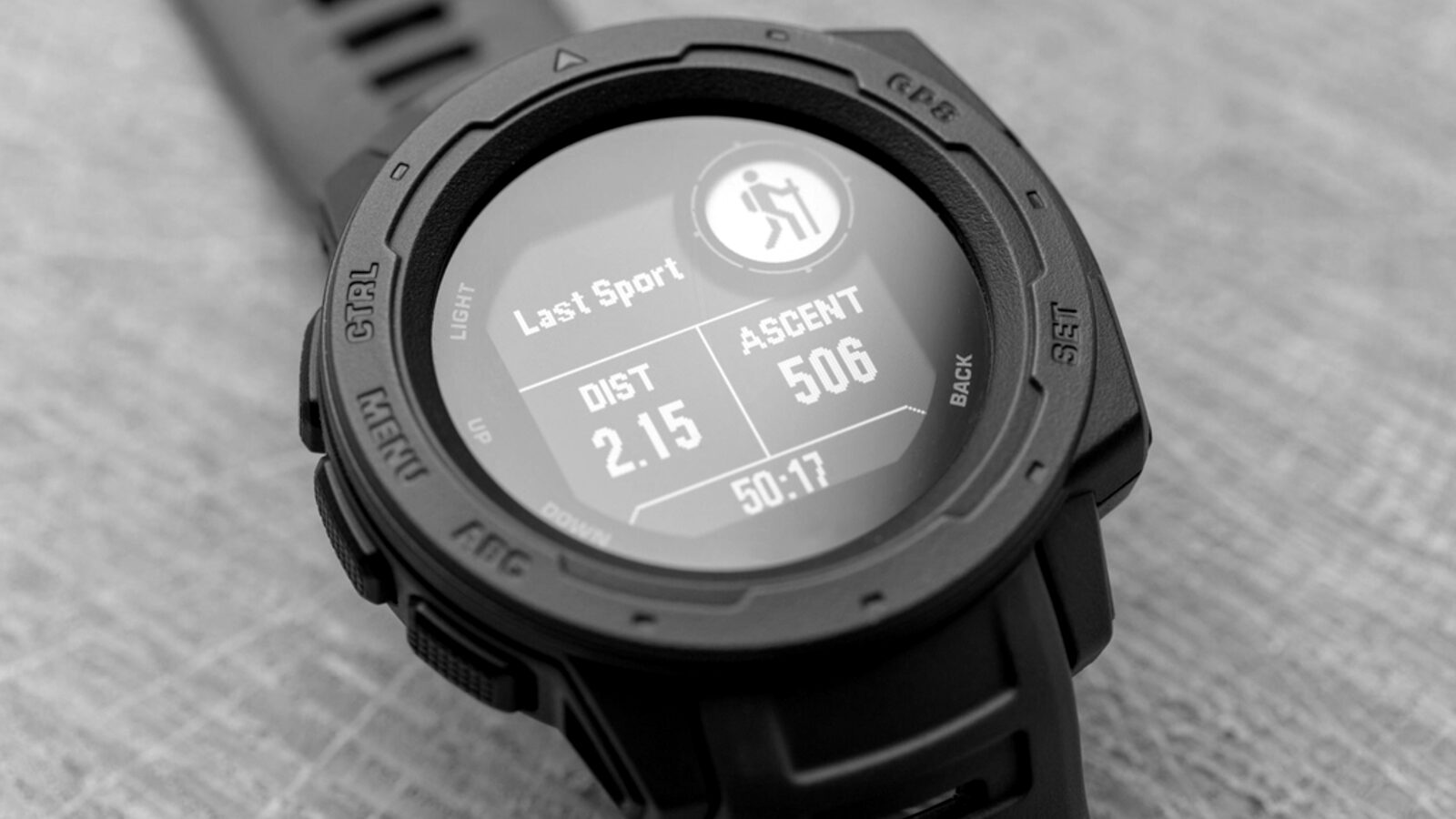
Your Apple Watch does not track effort or intensity for lifting. During a strength workout it records heart rate, active calories and elapsed time, and that is the whole picture. It does not count your reps, log your sets, identify the muscle worked, or measure how hard the set actually was.
The Effort score Apple added in watchOS 11 does not close that gap either: it is estimated automatically only for cardio-based workouts, and for strength training there is no automatic estimate at all. The watch asks you to type a number in yourself. The fix is a different signal the same watch can already read: how much your reps slow down across a set, the slowdown that tracks fatigue.
You finish a brutal set of Romanian deadlifts, glance at your wrist, and the watch tells you the workout burned 412 calories over 47 minutes and your pulse peaked at 138. Useful for closing a ring. Useless for the only question that drives growth: did that set get close to failure, or did you leave 4 reps in the tank? The watch never measured the thing that mattered. Then, at the end of the workout, it asks you how hard it was on a scale of 1 to 10 and files your guess as data.
What is the Apple Watch Effort score?
The Effort score is a 1-to-10 rating of how hard a workout was, introduced in watchOS 11 alongside Training Load. For cardio workouts the watch estimates it for you. For strength training it does not.
In Apple's own words, "popular cardio-based workout types will employ an innovative new algorithm to automatically generate an estimated effort rating," using "a combination of data sources like age, height, and weight, alongside workout data like GPS, heart rate, and elevation." Every input on that list is a cardiovascular input: pace, pulse, hills, distance. The rating then feeds Training Load, which compares the strain of your recent workouts against the last 28 days so you can see whether you are ramping up or backing off.
It sounds like exactly what lifters have wanted from the watch for years: a number for how hard the session was, tracked over time. Read the next line of Apple's announcement and the picture changes.
Does the Apple Watch Effort score work for strength training?
No. For lifting, the watch does not estimate effort at all. Apple's announcement continues: "For workouts where an automatic estimate is not provided — like strength training — users can still enter an effort rating at the end of each workout."
Read that again. For strength training there is no automatic estimate. When you end a Traditional Strength Training or Functional Strength Training workout, the watch invites you to rate the effort yourself, from 1 (easy) to 10 (all out), and that typed number is what feeds your Training Load. The watch is not measuring your effort. It is asking you for it, and, as the studies further down show, the average lifter's guess about how hard a set was is off by several reps.
Here is the whole strength-training picture in one table:
| Cardio workouts (run, ride, swim, hike) | Strength training | |
|---|---|---|
| Effort rating | Estimated automatically | You type it in, 1 to 10 |
| What the estimate uses | Age, height, weight, GPS, pulse, elevation | Nothing; it is your guess |
| Feeds Training Load? | Yes | Yes, but the input is your guess |
| Reps and sets | Not applicable | Not recorded |
| Muscle group worked | Not applicable | Not recorded |
| How hard the last set was | Not measured | Not measured |
That last row is the one that matters. Even for cardio, "effort" means cardiovascular effort. For lifting, the feature is a diary entry with a nicer interface.
What does an Apple Watch actually record during a lift?
3 things: heart rate, active energy (calories) and duration. That is the whole strength-training picture.
Apple's Traditional Strength Training and Functional Strength Training workout types wrap your session so the heart-rate sensor is not throttled, then log your pulse, your estimated calorie burn and how long you trained. That is genuinely good for what it is; the optical sensor and the calorie model are solid.
But notice the resolution. Everything is session-level, not set-level. The watch knows you lifted for 47 minutes. It does not know you did 5 sets of bench, then 4 sets of rows, then 3 drop sets of curls. It sees one continuous block of "strength training" with a pulse trace laid over it. The structure of your actual workout, the part a coach would care about, is invisible to it.
What does the Apple Watch miss when you lift?
It misses everything that defines a strength session: your reps, your sets, the muscle group you trained and, most importantly, your effort.
Natively, the Workout app does not count reps or sets in either strength mode. It cannot tell a bench press from a biceps curl, because unlike running or cycling, lifting is a varied, stop-start motion with rest intervals that defeat simple pattern-matching. So there is no rep count, no set count and no muscle-group breakdown unless you bolt on a third-party logging app and type it all in yourself. Third-party apps can count from the wrist; see does the Apple Watch count reps for which ones and how well.
Here is the part most people skip past: even with perfect logging, you would still be missing effort. Knowing you did 5×8 at 80 kg tells you the prescription. It tells you nothing about how hard the eighth rep of the last set was. Did you grind it with nothing left, or could you have done 5 more? Put 2 lifters on the identical 5×8, one near failure and one phoning it in, and the watch records them as the same calories and the same minutes. Effort is the variable that separates a productive set from junk volume, and it is exactly the variable the watch throws away.
Why is heart rate a poor effort proxy for resistance training?
Because heart rate measures the cardiovascular cost of a set, not the mechanical fatigue of the muscle, and in lifting those two can move in opposite directions.
This is the core confusion. Apple's Effort estimate, like every heart-rate-zone tracker, is built on a cardio assumption: harder work means a higher, more sustained heart rate. That holds for a 10K. It breaks in the weight room. A heavy triple of squats, a genuinely maximal, near-failure effort, might only nudge your heart rate up briefly, because it is over in 15 seconds and it is an anaerobic, neuromuscular event. A lighter, higher-rep set of leg extensions can drive your pulse higher while leaving the muscle far from failure. Heart rate can literally run lower on the harder, heavier set.
So a heart-rate-derived effort rating systematically rewards the wrong thing. It reads "easy" on your most productive heavy work and "hard" on metabolic burners that may be nowhere near failure. That is not a tuning problem; it is the wrong sensor for the question. Heart rate is useful context for systemic fatigue and recovery, but as a standalone gauge of how close a muscle came to failure, it is noise. This is also why Apple is right not to auto-estimate lifting effort from it: the honest answer is that the watch, as shipped, cannot. For more on why your own perception fails here too, see how to actually tell if you're training hard enough.
Does WHOOP do any better for lifting?
Not for this question. WHOOP's Strain number rests on the same cardiovascular foundation, and its muscular-load feature leans on the sets, reps and weight you log yourself, or on an automatic estimate averaged from other people's sessions. Neither band measures whether the set in front of you was hard. The full comparison, including who should buy which, is in Apple Watch vs WHOOP for lifting.
The fix: read rep slowdown from the same watch
The signal that does track how close a muscle came to failure is how much your reps slow down across a set, and the watch's motion sensors can read a version of it without any new hardware.
The physics is clean. As a muscle fatigues it cannot produce force as fast, so your concentric reps physically decelerate, and the size of that slowdown maps onto proximity to failure. In a study of 24 resistance-trained men and women benching at 75% of their 1RM, lifting velocity had dropped about 25% by momentary failure, versus roughly 13% when they stopped 1 rep short and 8% at 3 reps short. A 2023 systematic review and meta-analysis found that lower velocity-loss cutoffs (roughly 10–20%) suit strength and power goals, while higher cutoffs favor hypertrophy, with little extra gain beyond about 40% loss. The slowdown is the fatigue, and it is measurable in a way that "did your pulse go up" simply is not.
The decisive point: that signal is motion, and the Apple Watch already carries the motion sensors to read it, strapped to the arm doing the lifting. Apple points them at calories. How a watch turns that motion into a read on failure, what the validation data says and where it falls short is covered in can an Apple Watch detect muscle failure; the cutoffs themselves are in what velocity loss % you should stop a set at.
Why does this matter? Isn't your own sense of effort good enough?
It is not, and that is the whole reason an objective read is worth having. Most lifters are quietly bad at judging how close to failure they are, which means the number you type into the Effort prompt is bad data going into Training Load.
When trained lifters stop a set believing they are at or near failure, they are often off by about a rep when they are genuinely close, and the error grows the further from failure they are and the more novice they are. One study of 141 trainees found the most experienced group underpredicted their reps to failure by about 1 to 2, while the least experienced were off by roughly 4 to 5. And it is not just a feel problem: across 2,972 measurements from 19 well-trained lifters, bar velocity explained only about 30% of the variance in their perceived reps in reserve, with the relationship shifting by exercise, load and how deep into the workout they were. Translation: even velocity is not a magic universal cutoff, and human perception is worse. Estimating your reps in reserve sharpens the skill, but it is a slow build, and your estimate is probably wrong today, so a second opinion helps while you get there.
How to make the Effort rating mean something for lifting
Apple gives no rubric for rating a strength workout, so most lifters rate by sweat and soreness, which is the cardio bias in a different costume. If you are going to type a number, tie it to the thing that drives growth: how close your working sets got to failure.
| Effort rating you type | What the session actually looked like |
|---|---|
| 9–10 | Most working sets taken to failure or 1 rep short, with reps visibly slowing at the end |
| 7–8 | Working sets stopped 2–3 reps short; last reps slower but not grinding |
| 4–6 | Technique work, a warm-up-heavy session, or sets stopped 4 or more reps short |
| 1–3 | Mobility, rehab, or a deliberately easy day |
3 things this buys you. First, your Training Load trend starts to reflect muscular work rather than how long you spent on the rower. Second, it forces an honest reps-in-reserve estimate at the end of every session, which is the skill that most needs practice. Third, when you later get an objective read, you have a diary of guesses to check it against. It is still a guess, though. The rating is only as good as your judgement of the last rep, and that judgement is exactly what the studies above show is off.
How to actually get an effort read on your lifts this week
You do not need a barbell-mounted velocity tracker to start measuring effort instead of minutes. Here is a concrete plan:
- Stop reading the calorie number as if it means effort. It is a cardio metric; file it next to "steps," not "how hard I trained."
- Log your sets in a real logging app (StrengthLog, Hevy, Strong). The watch will not count reps or sets natively, so you need a ledger of reps, load and which muscle.
- Rate the Effort prompt by proximity to failure using the table above, not by how sweaty you were.
- Estimate your reps in reserve on the last set of each exercise and write it down. It is a guess; the point is to start building the feel and have something to check yourself against.
- Watch for the objective failure cues the watch ignores: the rep that suddenly takes twice as long to lock out, the bar that visibly slows, the grind. That is velocity loss you can see with your own eyes.
- Add a measurement layer if you want the number instead of the guess. That is the gap a wrist app that reads rep slowdown fills: a per-set read on how close you came, from the watch you already wear.
The app that fills the gap, and its honest limits
Riven is the Apple Watch app that scores muscle failure. It reads your wrist motion and stays quiet during the set; about three seconds after you rack the weight you get the exercise, the rep count and a 0-100 score. Reps slow down as a muscle nears failure, and that is what the score is built on. No barbell clip, no camera, no extra hardware. It shows you which set was the real one.
Now the honest caveats, because they matter. Velocity is complementary to feel, not a universal cutoff: it explained only about 30% of perceived-RIR variance in trained lifters, and the relationship shifts by exercise and load. A wrist reading is an objective second opinion that beats guessing, which is what almost everyone in the gym, and the Effort prompt itself, is currently doing. Use it the way you would use a training partner who watches your bar speed: not as a verdict, but as the one observer in the room who is not fooled by how the set felt.
FAQ
Does the Apple Watch track effort or intensity for lifting?
No. During strength training the Apple Watch records your pulse, calories and duration only. The watchOS 11 Effort score is estimated automatically for cardio-based workouts; for strength training Apple provides no automatic estimate, and you type a 1-to-10 rating yourself. It does not measure muscular effort or proximity to failure.
What is the Apple Watch Effort score?
A 1-to-10 rating of how hard a workout was, added in watchOS 11 alongside Training Load. For cardio workouts the watch estimates it from inputs like age, weight, GPS, pulse and elevation; for strength training it is a number you enter at the end of the workout. Either way it describes the session, not any single set.
How do I rate effort for strength training on Apple Watch?
When you end a strength workout the watch lets you enter an effort rating from 1 (easy) to 10 (all out). Apple offers no rubric for lifting, so rate by how close your working sets got to failure rather than by sweat: 9–10 if most sets reached failure or 1 rep short, 7–8 for 2–3 reps short, lower for technique or easy days.
Does the Apple Watch count reps and sets?
Not natively. The Workout app's strength modes do not count reps, log sets, or identify the muscle group; lifting's stop-start motion defeats the simple detection used for running and cycling. You need a third-party app to log sets, and a motion-based app to count reps from the wrist.
Why is heart rate a bad measure of lifting effort?
Because heart rate captures the cardiovascular cost of a set, not muscular fatigue. A heavy, near-failure triple can barely move your pulse, while a lighter high-rep burner spikes it without nearing failure, so heart rate can read lower on the harder set. It is useful recovery context, not an effort gauge.
Does WHOOP measure lifting effort better than the Apple Watch?
No. WHOOP's Strain is built on cardiovascular load, and its muscular-load number depends on the sets, reps and weight you log or on an automatic estimate; it does not measure whether the set was hard. Neither device reads the rep slowdown that signals failure.
Can the Apple Watch measure velocity loss?
In principle, yes: the watch has the motion sensors needed to read how much your reps slow down across a set, and Apple simply does not surface that for lifting. Riven is the Apple Watch app that scores muscle failure; it scores each set the moment you rack it.
Is velocity loss a perfect cutoff for when to stop a set?
No, and it is important to be honest about that. Velocity loss tracks fatigue well, roughly 25% loss at failure and 13% at 1 rep in reserve, but in trained lifters it explained only about 30% of perceived reps-in-reserve variance, and the relationship shifts by exercise, load and set number. Treat it as a strong objective second opinion, not a universal law.
Sources
- Apple (2024), watchOS 11 brings powerful health and fitness insights, Apple Newsroom — https://www.apple.com/newsroom/2024/06/watchos-11-brings-powerful-health-and-fitness-insights/
- Apple, Track your training load on Apple Watch, Apple Support — https://support.apple.com/guide/watch/track-your-training-load-apde4c07a6cf/watchos
- Refalo, M.C. et al. (2023), Influence of Resistance Training Proximity-to-Failure, Determined by Repetitions-in-Reserve, on Neuromuscular Fatigue in Resistance-Trained Males and Females, Sports Medicine – Open — https://pmc.ncbi.nlm.nih.gov/articles/PMC9908800/
- Paulsen, G. et al. (2025), Exercise type, training load, velocity loss threshold, and sets affect the relationship between lifting velocity and perceived repetitions in reserve in strength-trained individuals, PeerJ — https://pmc.ncbi.nlm.nih.gov/articles/PMC12360324/
- Jukic, I. et al. (2023), The Acute and Chronic Effects of Implementing Velocity Loss Thresholds During Resistance Training: A Systematic Review, Meta-Analysis, and Critical Evaluation of the Literature, Sports Medicine — https://pmc.ncbi.nlm.nih.gov/articles/PMC9807551/
- Steele, J. et al. (2017), Ability to predict repetitions to momentary failure is not perfectly accurate, though improves with resistance training experience, PeerJ — https://pmc.ncbi.nlm.nih.gov/articles/PMC5712461/